
Every group has a Files tab, and every Files tab looks the same after a few months: a folder of slide decks nobody remembers uploading, a PDF called "final_v3", and no way of knowing why any of it is there.
Files are rarely the point. The point is what someone wanted the group to see, and the conversation that should have followed. So we turned Files into Media.
A board, not a folder
Open your group and click Media in the left navigation. Instead of a list of files, you get a board of posts.
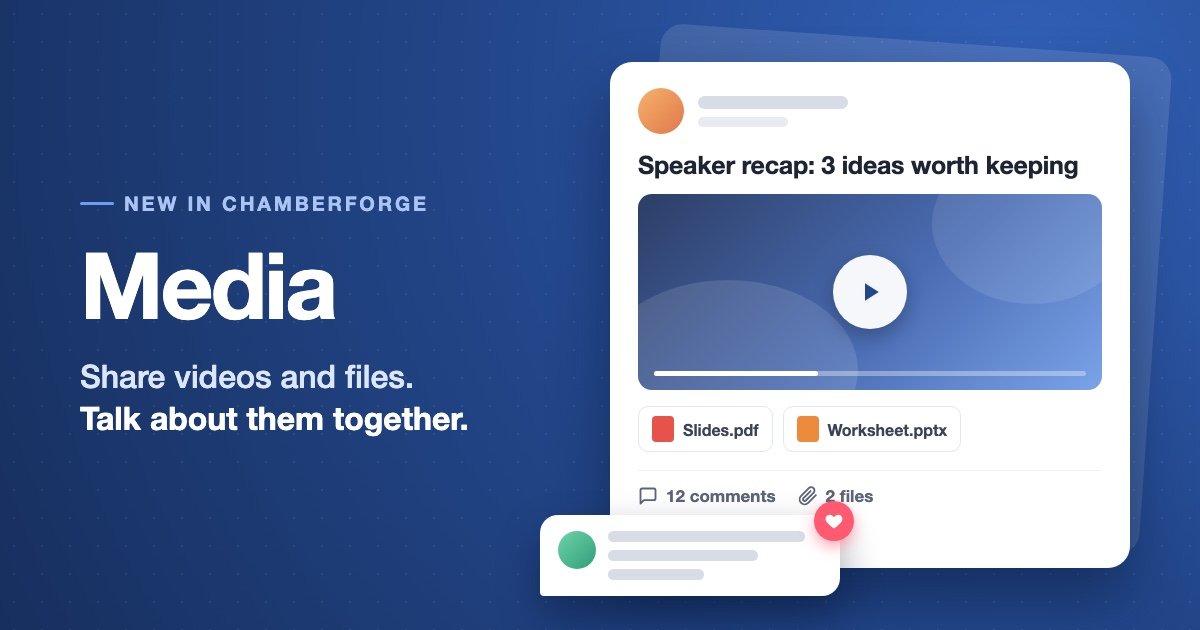
A post has a title and a message, and it can carry a video and up to ten attached files (15MB each). You can share last week's speaker presentation with a note on the three points worth remembering. You can post a member spotlight video. You can attach the referral form and ask how everyone else fills in the tricky field. Each post shows its author, how many files it carries and how many comments it has, so the board tells you at a glance where the conversation is.
There is a search box at the top, so the thing someone shared in spring is still easy to find in autumn.
Videos play right on the page
Paste a YouTube, Vimeo or Loom link into a post and the video plays inside the post. Nobody has to leave ChamberForge or hunt for the link in an email thread.
Loom is the one to try first. A two-minute screen recording of "here is how we run the visitor day" explains things better than a page of instructions, and now it has a home your members will actually find.
Every post is a discussion
Below each post is a comment thread. Ask questions, add what you know, thank the person who shared it. The post and the conversation about it stay together, instead of drifting apart across messages and email.
Any member of the group can post and comment. The author can edit or delete their own post, and group managers can tidy up anything on the board.
Your folders are still there
If your group has built up an organised folder library, nothing has moved. It lives in the Files tab next to the board, exactly as before. Files attached to posts stay with their posts, so the library does not fill up with one-off attachments.
Organizations get the same Media board, so a chamber can share with its whole membership the same way a group shares with its members.
Why we built it
Groups told us the most useful things they share are not documents. They are the recording of a great presentation, the tip from a member who closed a big referral, the "has anyone used this supplier?" question. None of that fits in a folder.
A shared file gets downloaded once. A shared idea with a conversation under it keeps the group learning from each other between meetings.
Try it this week
- Open Media in your group and create a post.
- Share something from your last meeting: the slides, a video, or just the one point that stuck with you.
- Ask one question in the message and invite members to answer in the comments.