
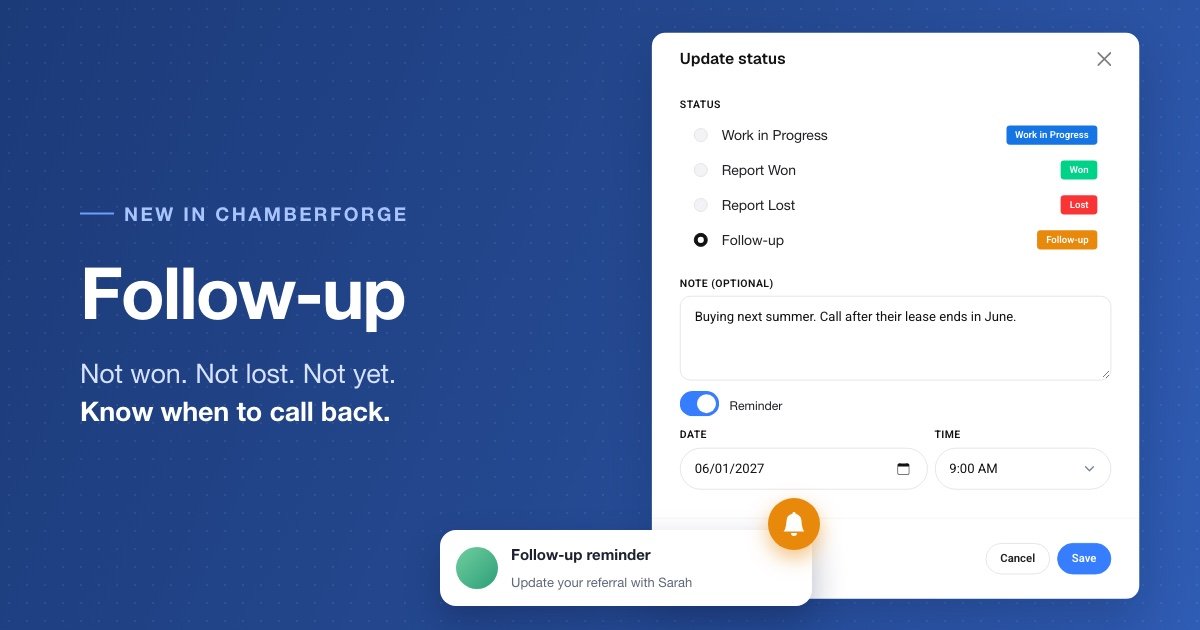
A realtor gets a referral and calls the customer. The customer is friendly, serious, and says, "We want to buy a house, just not until next summer."
So what do you mark that referral? It isn't Won, because no business has happened. It isn't Lost, because the customer still plans to buy. Work in Progress is the closest fit, but nobody is working on it until next summer, and by then it is easy to forget.
Good leads go quiet this way all the time. Follow-up gives them a place to wait.
A status for "not yet"
Follow-up is a new referral status for a lead that is real but not ready. It tells everyone looking at the referral that it isn't closed, and that it is waiting on purpose.
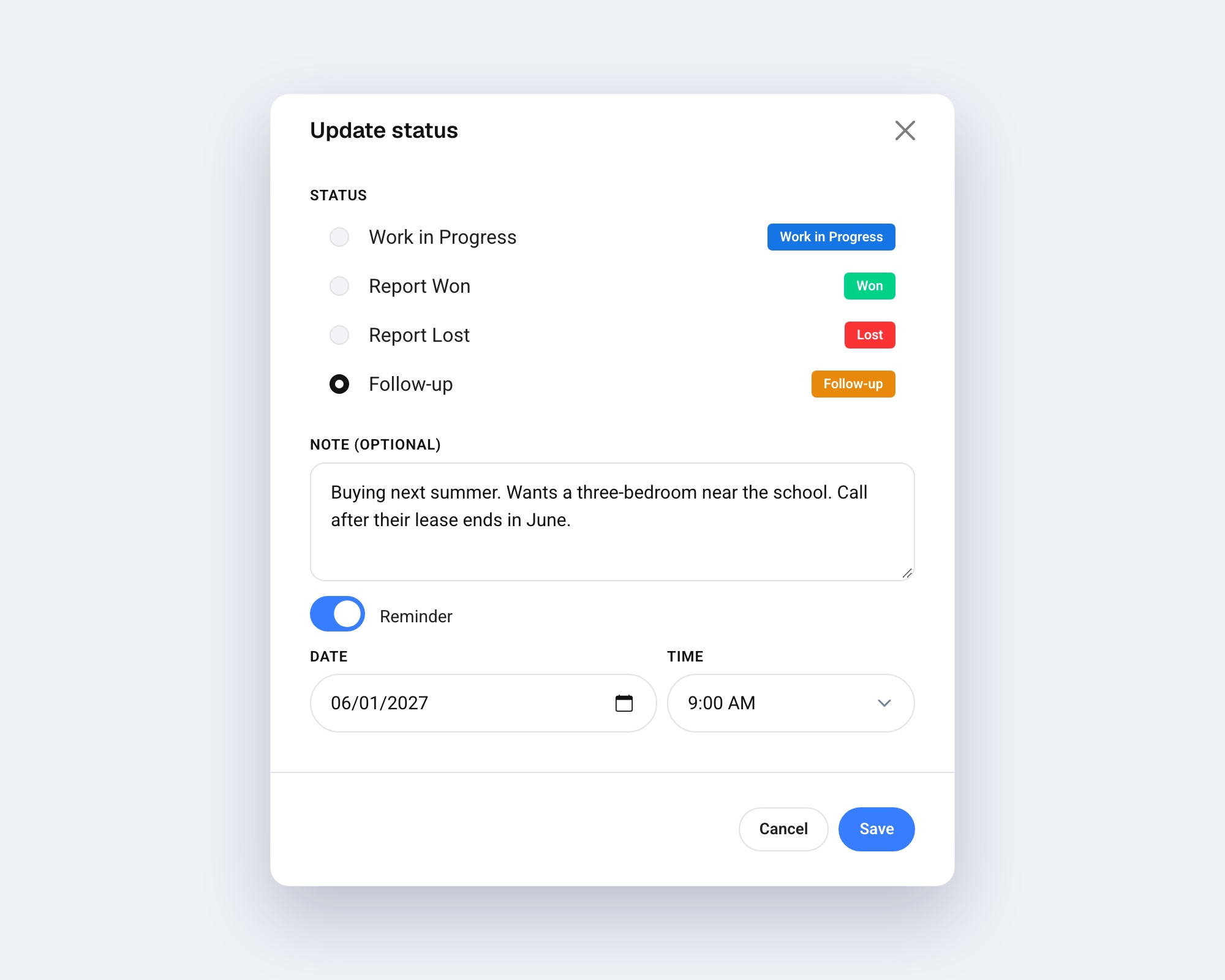
To use it, open the referral, choose Update status from the menu, and pick Follow-up.
Leave yourself a note
You can add a short note while the details are still fresh: "Buying next summer. Wants a three-bedroom near the school. Call after their lease ends in June."
Months from now, you won't have to wonder why you set this referral aside.
Set a reminder
Turn on Reminder and choose a date and time. It starts at tomorrow, 9:00 AM, and you can move it to any hour you like, as far ahead as you need.
When the time comes, ChamberForge sends you a push notification and an e-mail. It tells you how long ago the referral was created and who it is with, and the e-mail includes your note. From there, one click takes you back to the referral.
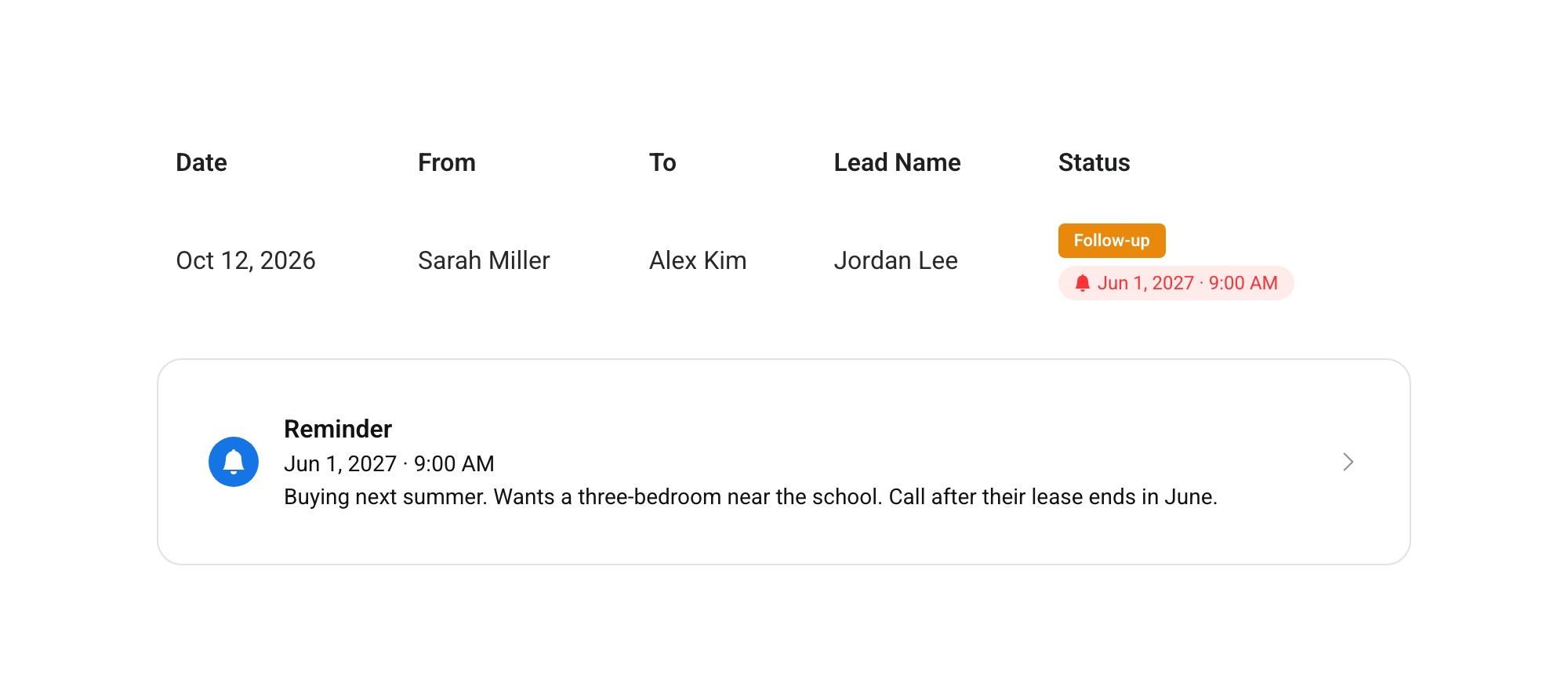
Until then, the reminder appears on the referral page and next to the referral in your list, so you can see what is coming up. Need more time? Click the reminder and pick a new date.
Your note is yours
The note and reminder are only visible to the person who set them. The other person on the referral, other members, and group managers can't see them, so you can write what you actually need to remember.
The giver can see that the referral is in Follow-up, but they don't get a notification when you set it. They will hear from you when something changes: moving the referral to Work in Progress, Won, or Lost notifies them as usual.
When the lead is ready
When you are ready to act, update the status again. Moving the referral to another status removes its note and reminder, so nothing keeps nagging you about a lead you have already handled.
Follow-up also keeps your numbers honest. The referral stays open, but it isn't counted as stale in reports, because waiting is the plan. Any revenue already recorded on the referral stays in place.
Try it this week
- Look through your Work in Progress referrals for one that is really waiting on the customer.
- Choose Update status and set it to Follow-up.
- Add one line about why it is waiting, and set a reminder for when to call.
The customer who says "next summer" is telling you exactly when to call. Now you won't miss it.